


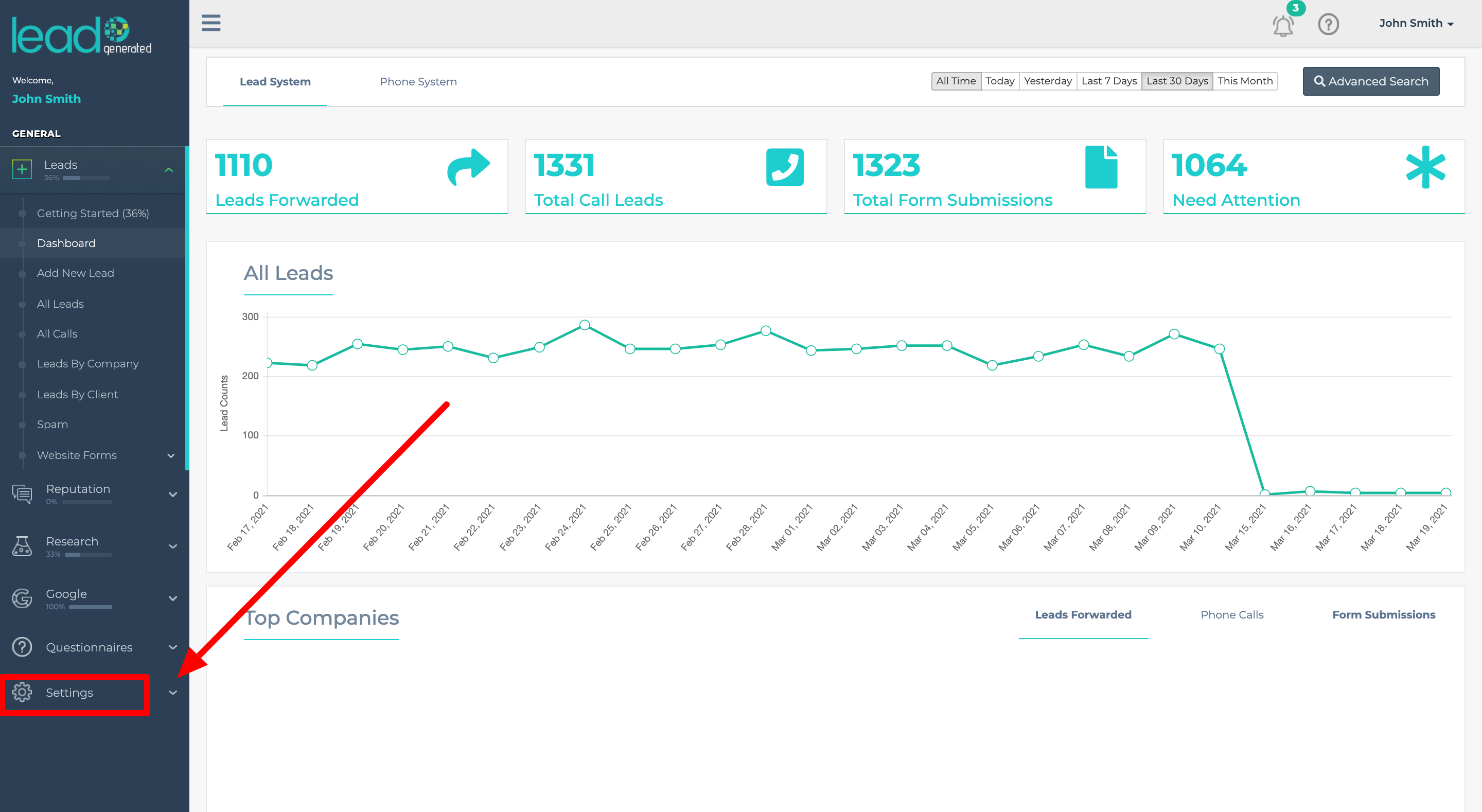
Click on Settings on the right side panel

Support Navigation
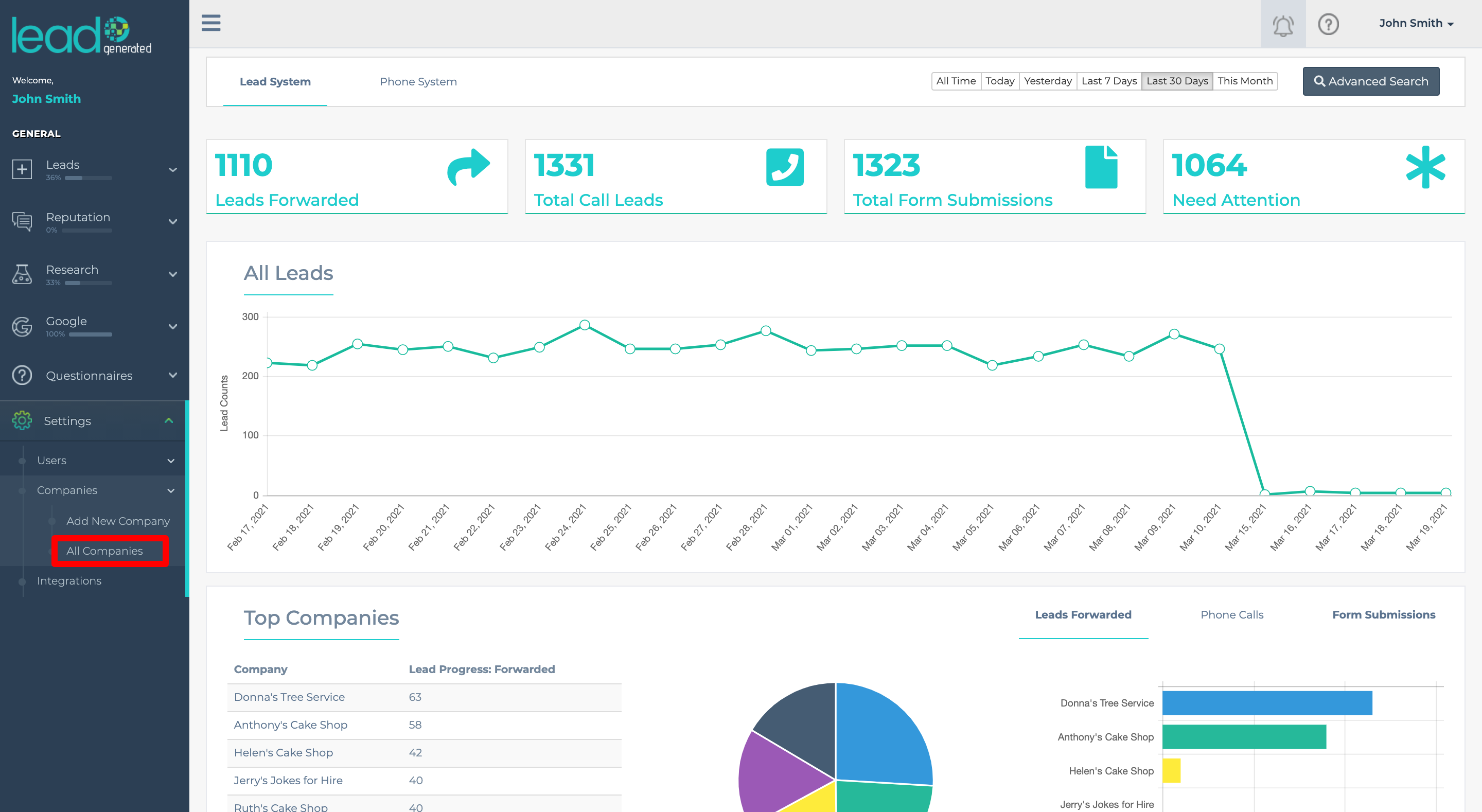
Hit All Companies
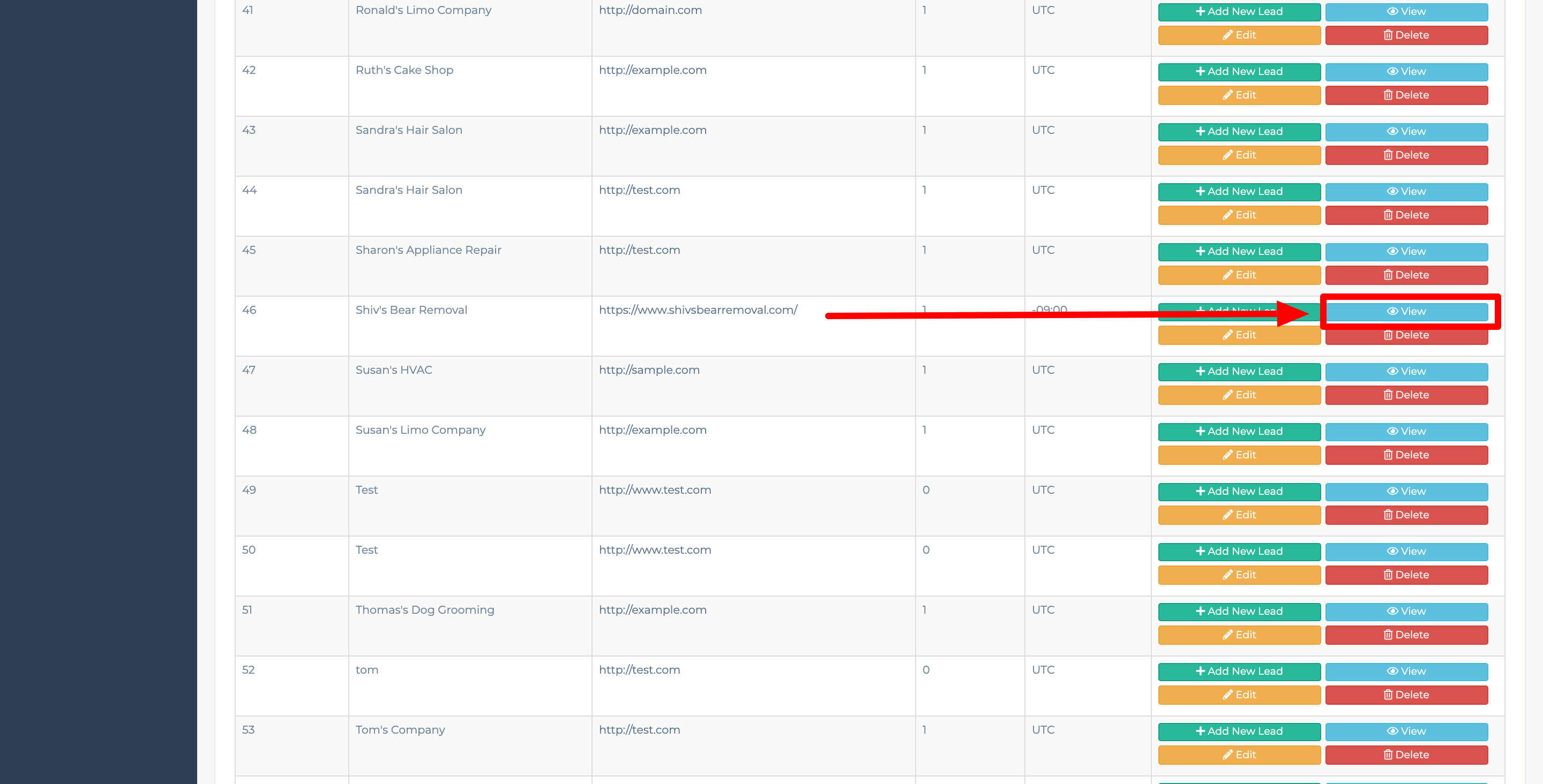
Select the company you want to edit and hit View
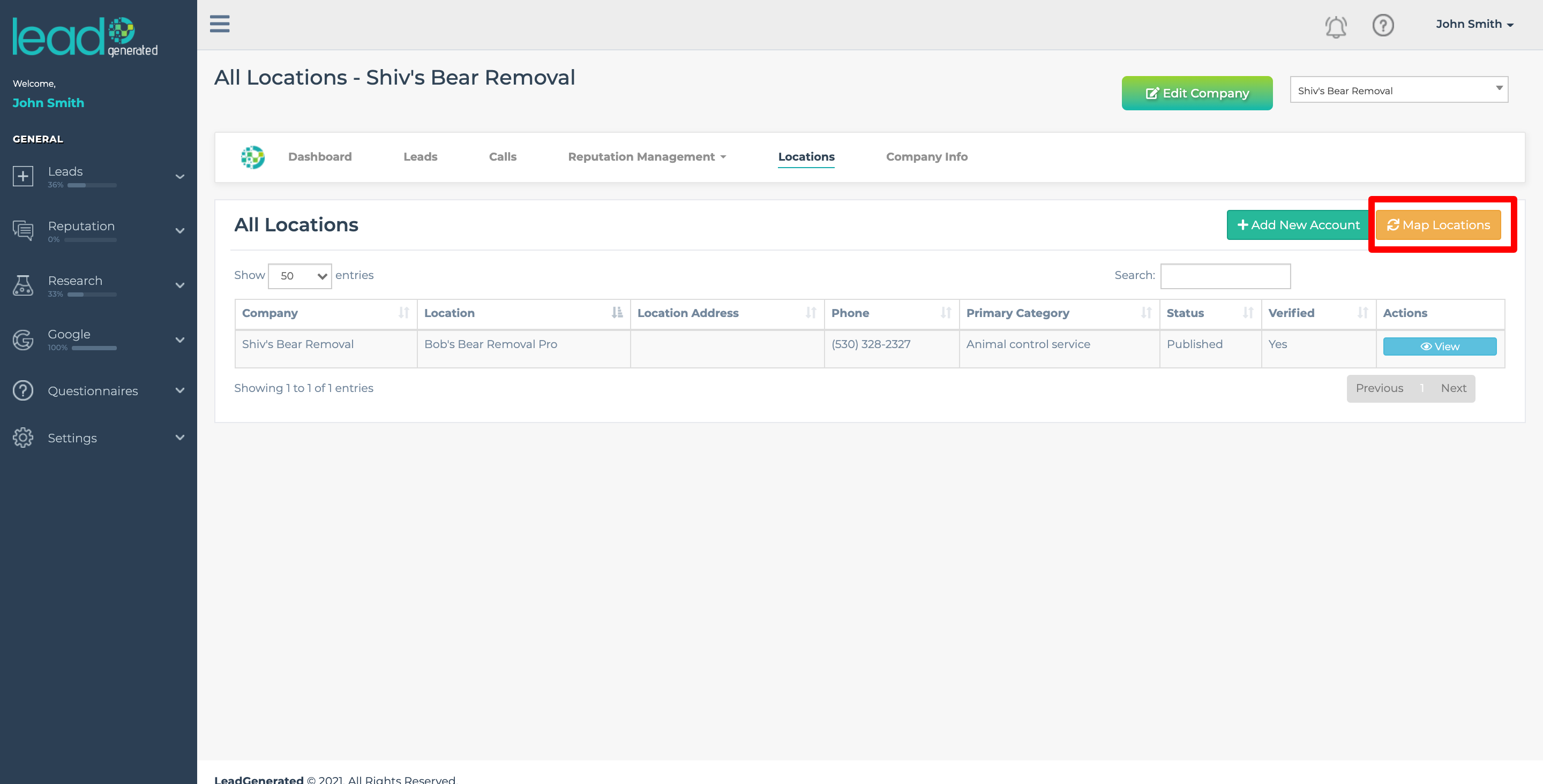
Click on Locations
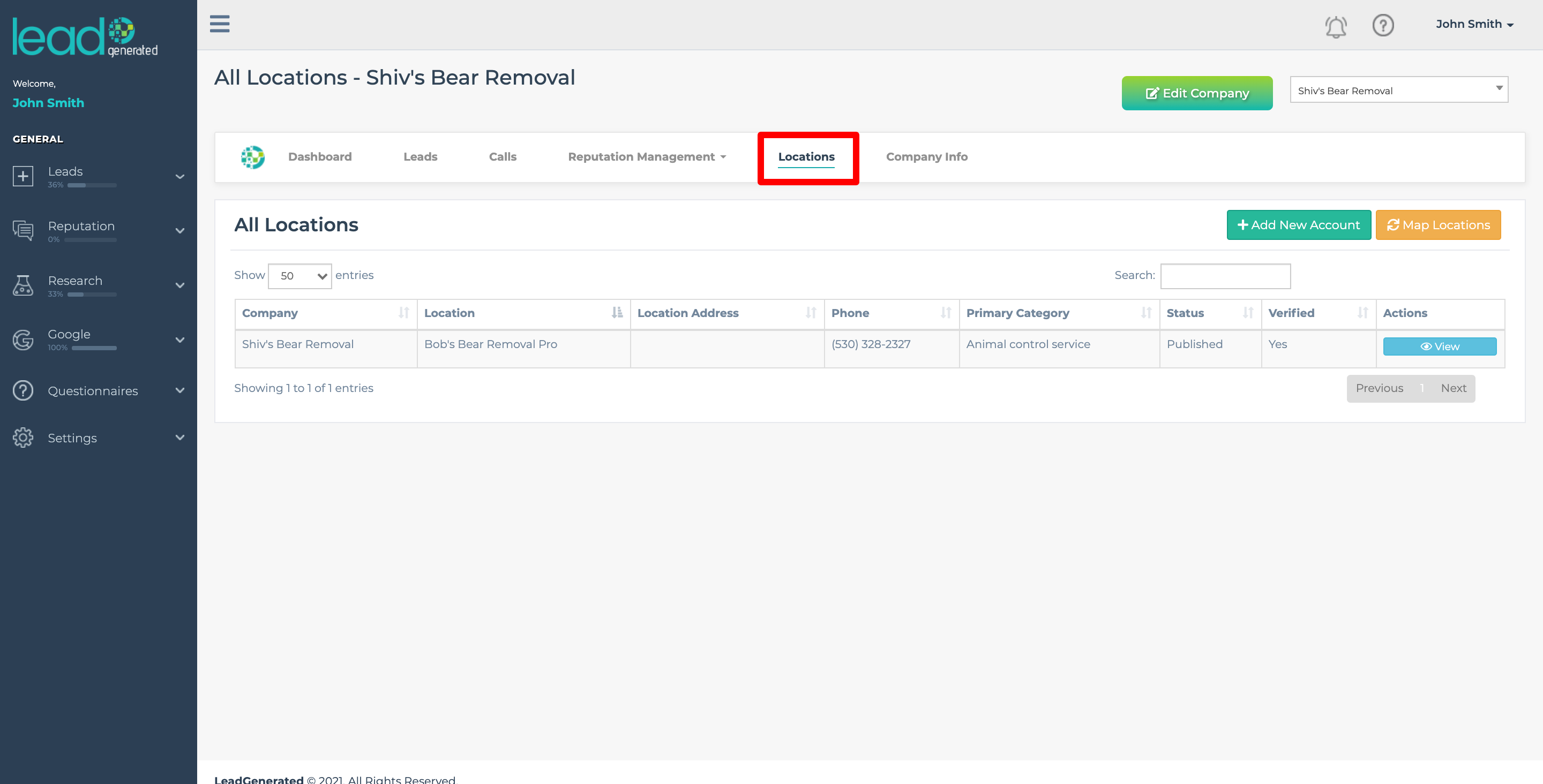
Click on Map Locations
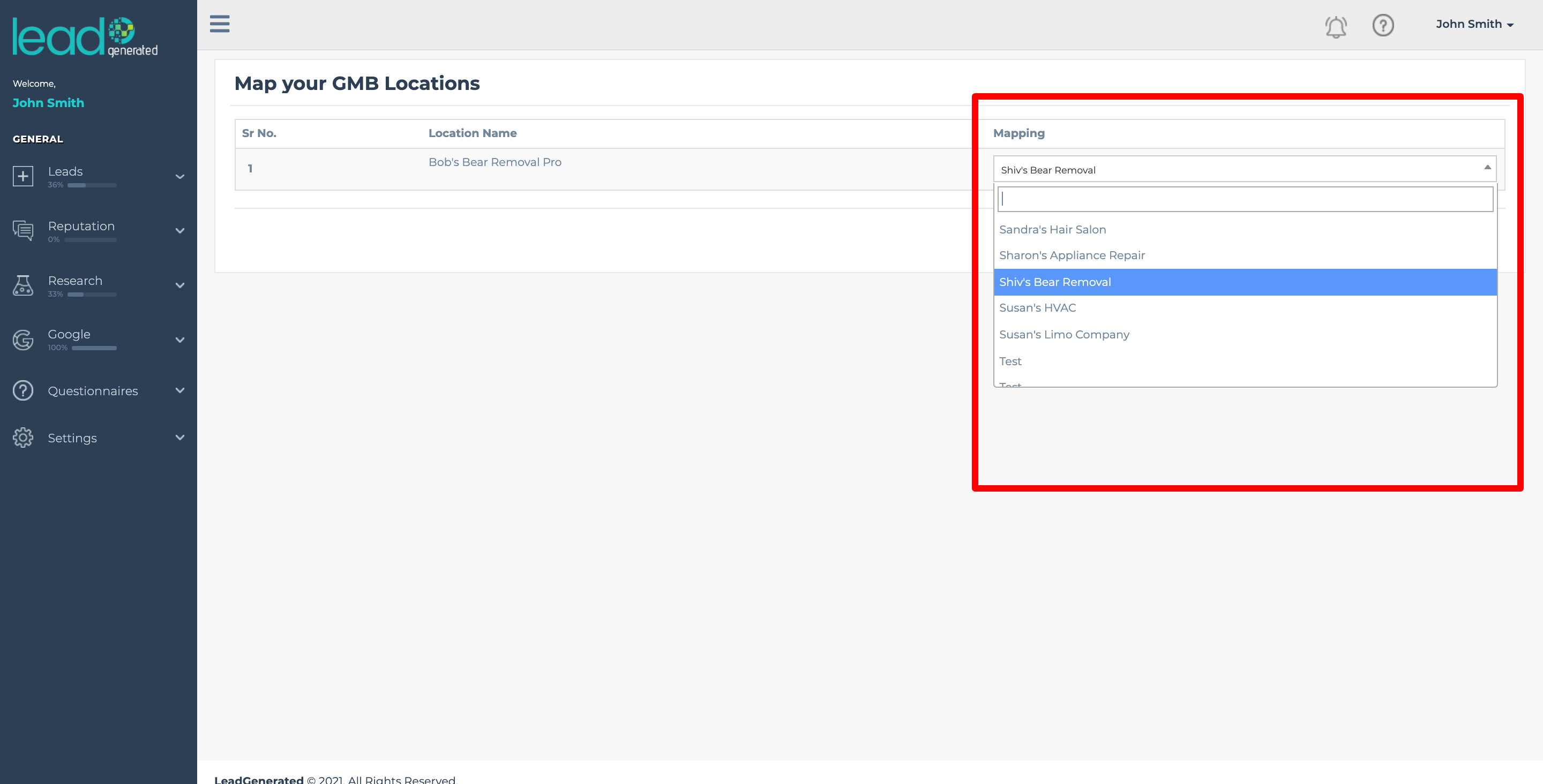
From there, you can choose which ones you want to edit
Click on Settings on the right side panel
Hit All Companies
Select the company you want to edit and hit View
Click on Locations
Click on Map Locations
From there, you can choose which ones you want to edit